
01 / Bright synth arpeggio
Glass Skyline
Original synth demo · 1.25× speed · +3.9 semitones · 12 seconds → 9.6 seconds
Make a faster, higher-pitched edit with this free nightcore maker. Choose an MP3 or WAV, adjust the sound, then compare and download your version.Make a faster, higher-pitched MP3 or WAV.
Your file is processed in your browser and never uploaded.On-device processing · Nothing uploaded
Pitch follows your speed setting. At 1.25×, the recording rises by about 3.9 semitones.
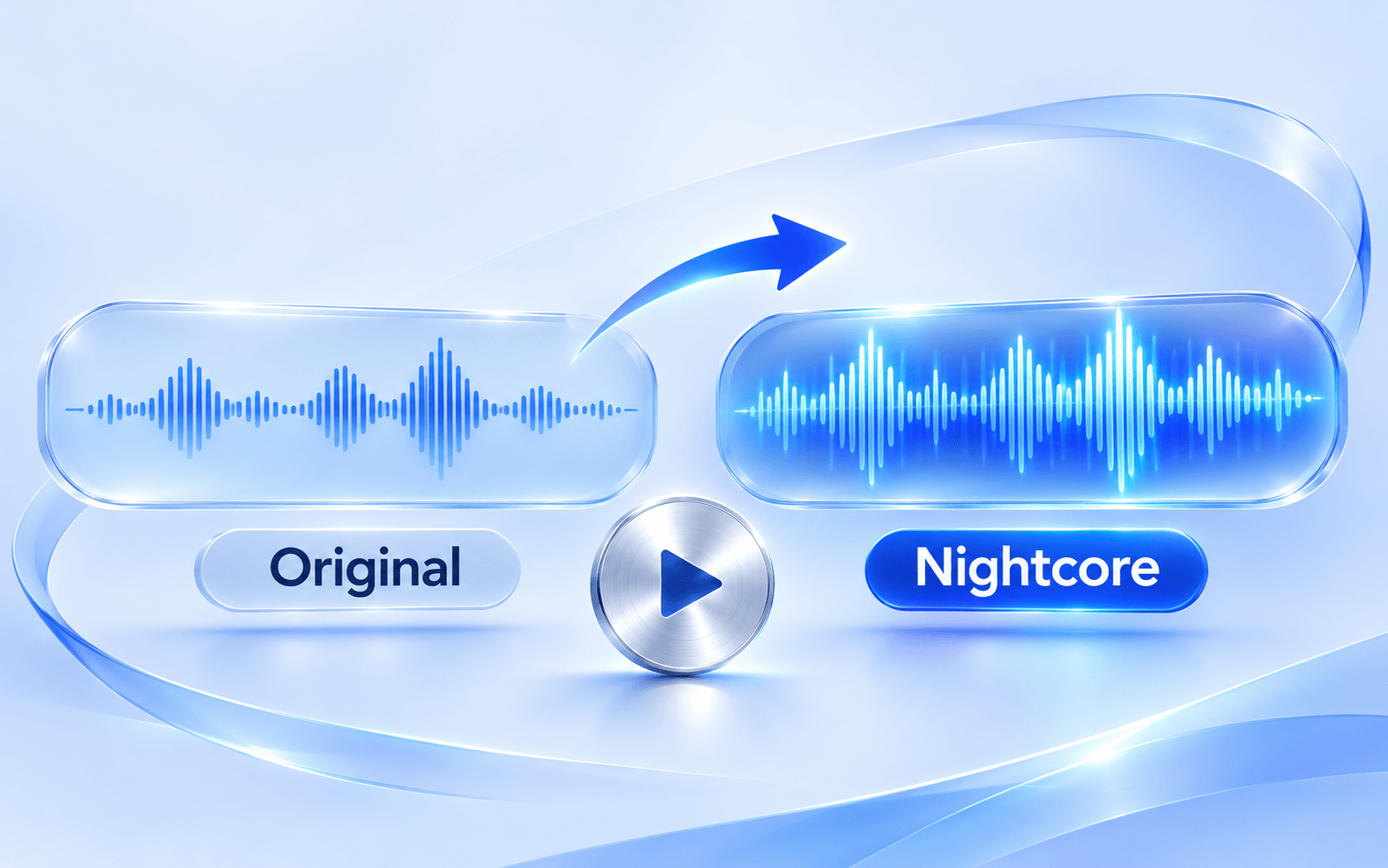
Hear how the nightcore maker changes two original Soundora synth demos. Play Original, then Nightcore to compare the melody and pace. Both edits use 1.25× speed with linked pitch.
Original synth demo · 1.25× speed · +3.9 semitones · 12 seconds → 9.6 seconds
Original synth demo · 1.25× speed · +3.9 semitones · 12 seconds → 9.6 seconds
A nightcore edit makes an existing recording faster and higher in pitch. Soundora’s nightcore generator applies that change to the whole track, including vocals, drums, and instruments. With pitch linked at 1.25×, a four-minute recording becomes 3:12 and rises by about 3.9 semitones. The melody and words come from your source audio; the tool does not write a new song.
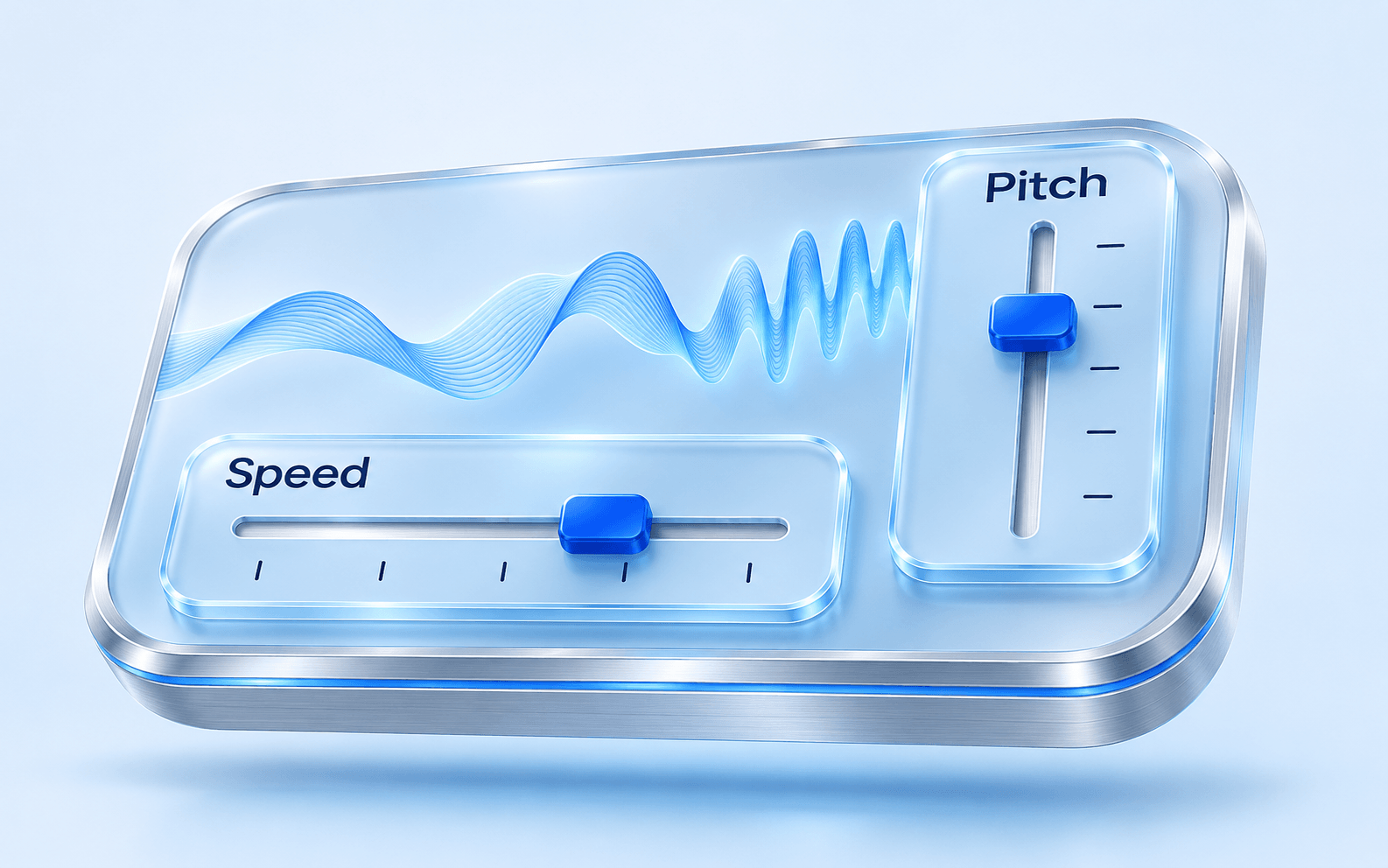
Speed sets the pace and length of your edit; pitch sets how high it sounds. The nightcore maker links them by default for the classic effect. Turn off pitch linking to set a final change from 0 to +7 semitones while keeping your chosen speed. For example, 1.25× with +2 semitones is faster than the original but lower in pitch than the linked +3.9-semitone version. The pitch value is measured from the original, not added on top.
Make the full recording faster, preview the result, and download it as MP3 or WAV. There is no account requirement, credit charge, or audio watermark.
Original and Nightcore share one player. When you switch versions, playback moves to the corresponding point in the song so you can compare a vocal line or beat.
This online nightcore generator processes your recording in the browser. You do not upload a track or wait for a server job. Download the edit before leaving the page.
Add an MP3 or WAV to the nightcore maker, then listen to the original to check the source. Confirm that you own the recording or have permission to process it.
Start at 1.25× with pitch following speed. Try 1.15× for a smaller change or 1.40× for a faster edit. Turn off pitch linking if you want to choose the final pitch yourself.
Select “Create nightcore preview,” then play the result and compare it with the original. Choose MP3 or WAV to download. Changing a setting clears the old preview; generate again to hear the new version.
Try a quicker version of a recording you own for a gaming montage, animation, or short video. The whole track becomes shorter, so check where the chorus and ending fall before adding the downloaded edit to your timeline.
Compare a modest speed increase with a brighter, higher-pitched version of your demo. Listen to the vocal range and drum transients before choosing a setting. If you made the song in Soundora, download the original audio first, then choose that file here.
The nightcore maker accepts one mono or stereo MP3 or WAV, up to 50 MB and five minutes. Choose MP3 when a smaller download is useful for listening or sharing; choose WAV when you want uncompressed audio for another editing step. Both exports use the same processed preview at 44.1 kHz: MP3 is 192 kbps and WAV is 16-bit PCM. Exporting an MP3 source as WAV does not restore detail already lost in the source file.
Start the nightcore maker at 1.20×–1.30× and compare a section with both vocals and drums. If the voice sounds too high, turn off pitch linking and try a smaller final pitch increase. Large changes or complex stereo material can introduce audible artifacts, especially when speed and pitch are set independently. Reduce the adjustment and listen again before downloading. For an instrumental edit, remove the vocals first, then bring that audio back here.
Vocal removerYour recording is processed on your device and the edit is kept in this tab, not saved to Soundora Library. Closing or refreshing the page can discard it, so download anything you want to keep. Process recordings you own or have permission to use. A faster tempo or higher pitch does not give you permission to publish someone else’s music; check the recording’s license and the platform’s rules before sharing.
Privacy PolicyNo. It transforms a recording you provide. A nightcore edit speeds up the track and raises its pitch; it does not generate new lyrics, a new melody, or a separate vocal performance.
Try the default 1.25× preset first. With linked pitch, it raises the recording by about 3.9 semitones and reduces its length to 80% of the original. Use 1.15× for a smaller change or 1.40× for a faster result. The available range is 1.05×–1.50× in 0.05× steps.
Yes. Turn off pitch linking and select a final pitch change from 0 to +7 semitones. The chosen speed still controls the length. For example, +2 means two semitones above the original recording, not two additional semitones above the linked result. This page is for faster edits; it does not offer the original 1.00× speed.
WAV avoids another lossy encoding step and is useful if you plan to edit the result further. MP3 is smaller and convenient for listening or sharing. Both use the same processed audio; downloading WAV cannot improve a low-quality source or remove processing artifacts.
Yes. You can preview the complete result and download MP3 or WAV without signing in, buying credits, or paying to remove a watermark.
The nightcore maker keeps your audio and result in the current browser tab. The recording is not uploaded and the result is not saved to Library. Download it before refreshing or closing the page. A saved download stays on your device.
No. This nightcore generator opens audio files from your device. It does not fetch, record, or download music from streaming links. Choose a local recording that you are allowed to process.
Only if your rights or license allow that use. Changing speed and pitch does not transfer ownership or remove copyright restrictions. Check both the source recording’s terms and the destination platform’s rules.
Choose a recording you have permission to use. Start with 1.25×, compare the result, and save the version you want to keep.