
Write your idea
Add a title and lyrics, or generate lyrics with AI.
TURN IDEAS INTO MUSIC
Describe your music, add lyrics, choose a style, and create your own song with AI.
Checking lyrics availability…
Checking music generation availability…
Add a title and lyrics, or generate lyrics with AI.
Select a genre and voice to shape your sound.
Click create and let AI bring your music to life.
Features
The AI Music Generator brings editable lyrics, genre choices, and sound direction into one workspace.
Start with a title, a few lines, or a style. AI-generated lyrics and a suggested title appear right in your editor, ready for your next edit.
Try lyric generation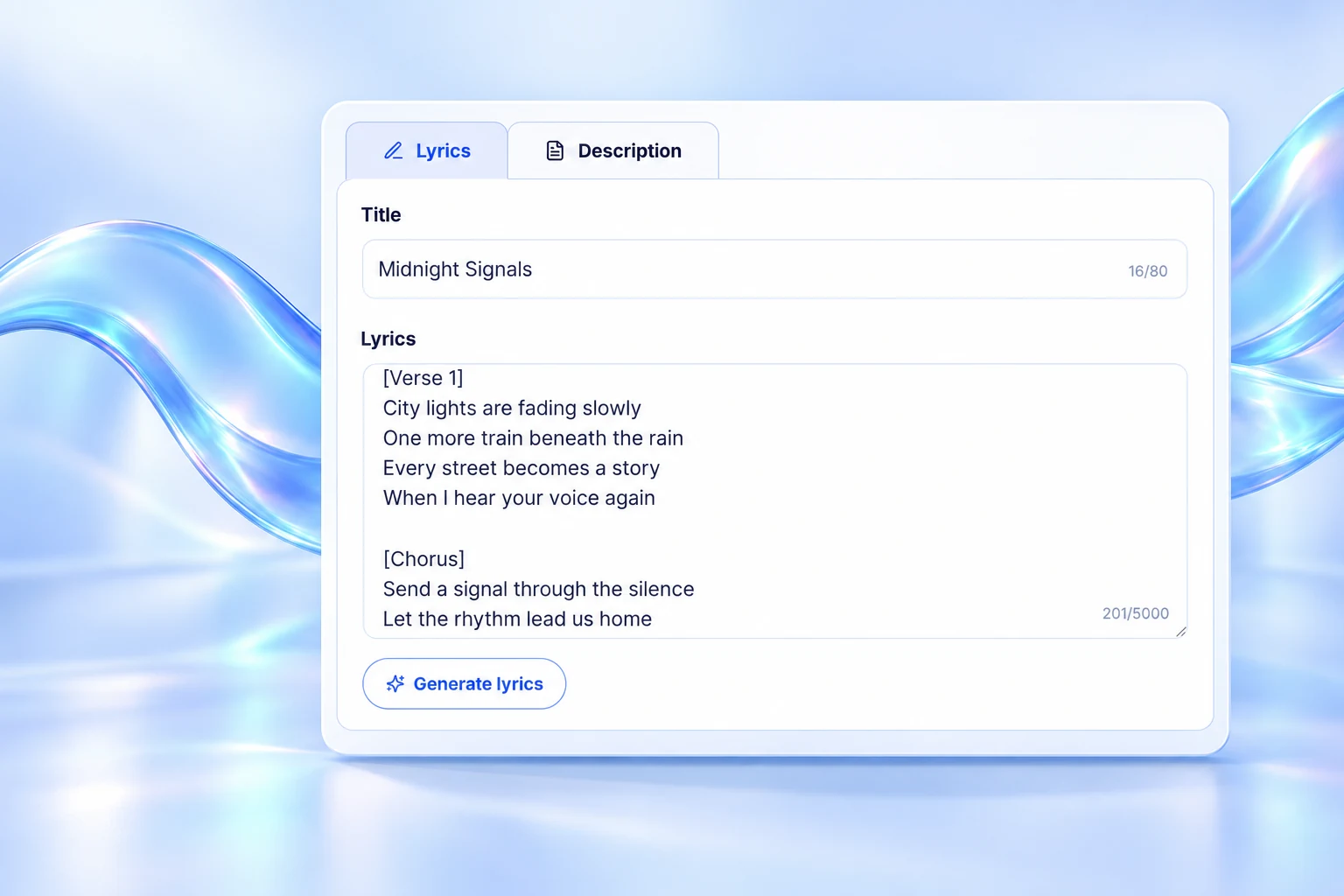
Browse genre tags, combine multiple styles, or enter your own direction. Your choices stay visible while you work.
Explore styles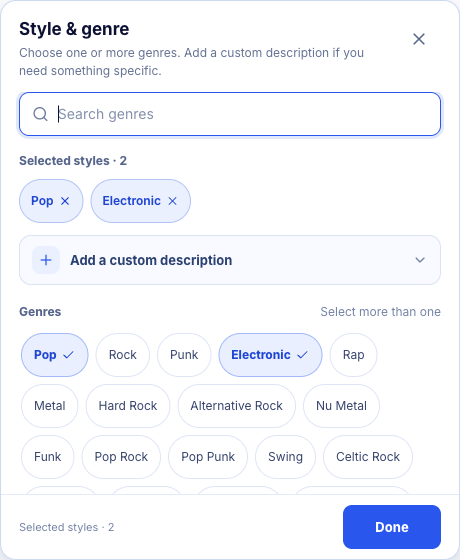
In the AI Music Generator, add mood, rhythm, instruments, vocal character, or production texture. Choose only what matters to guide the sound you want.
Shape your sound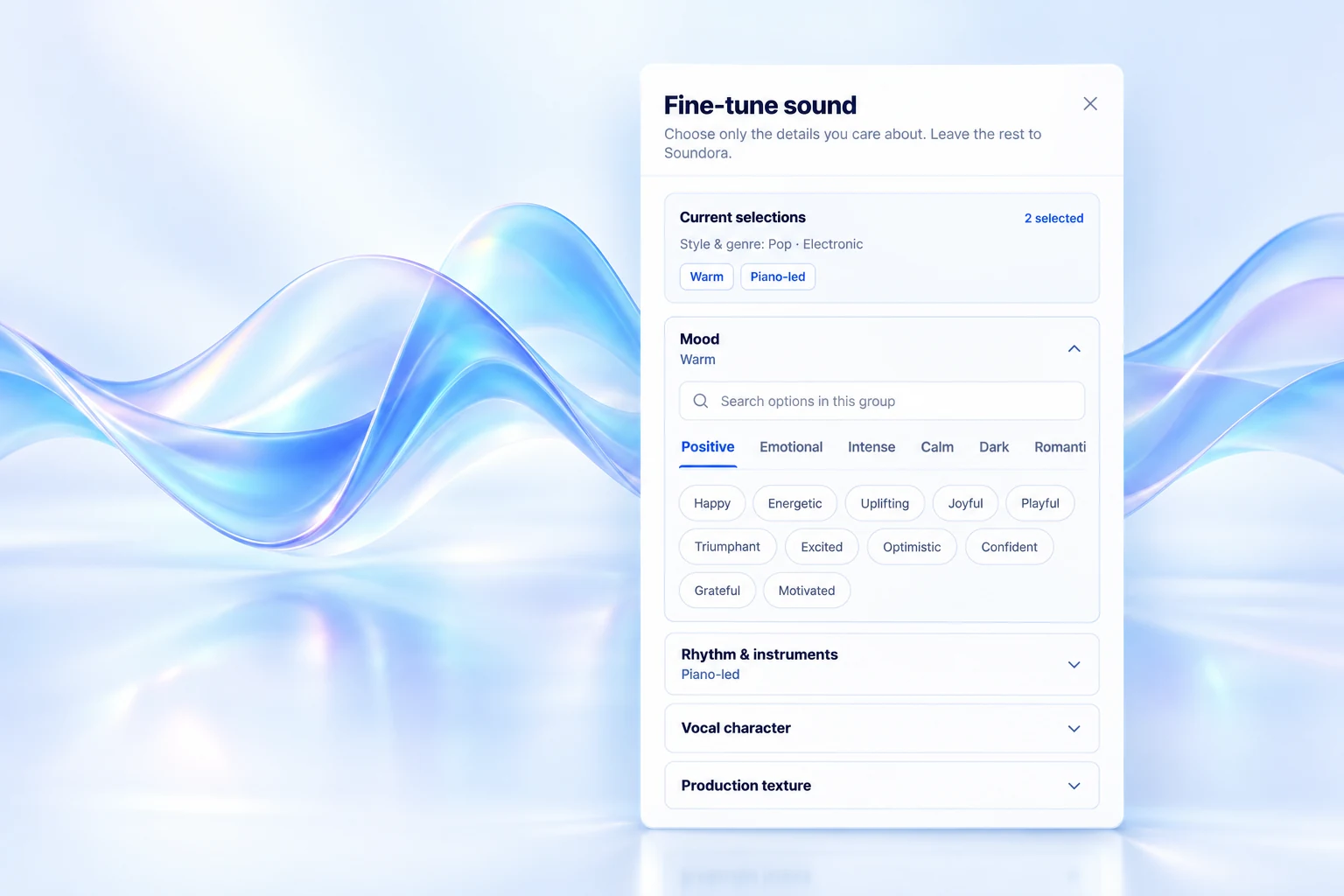
Suno V6 capabilities
Soundora's AI Music Generator uses Suno V6 to turn a description or lyrics you wrote yourself into a song draft you can listen to.
Set the scene, mood, and style. Create a song with vocals and accompaniment, or choose instrumental music without singing.
Create from a description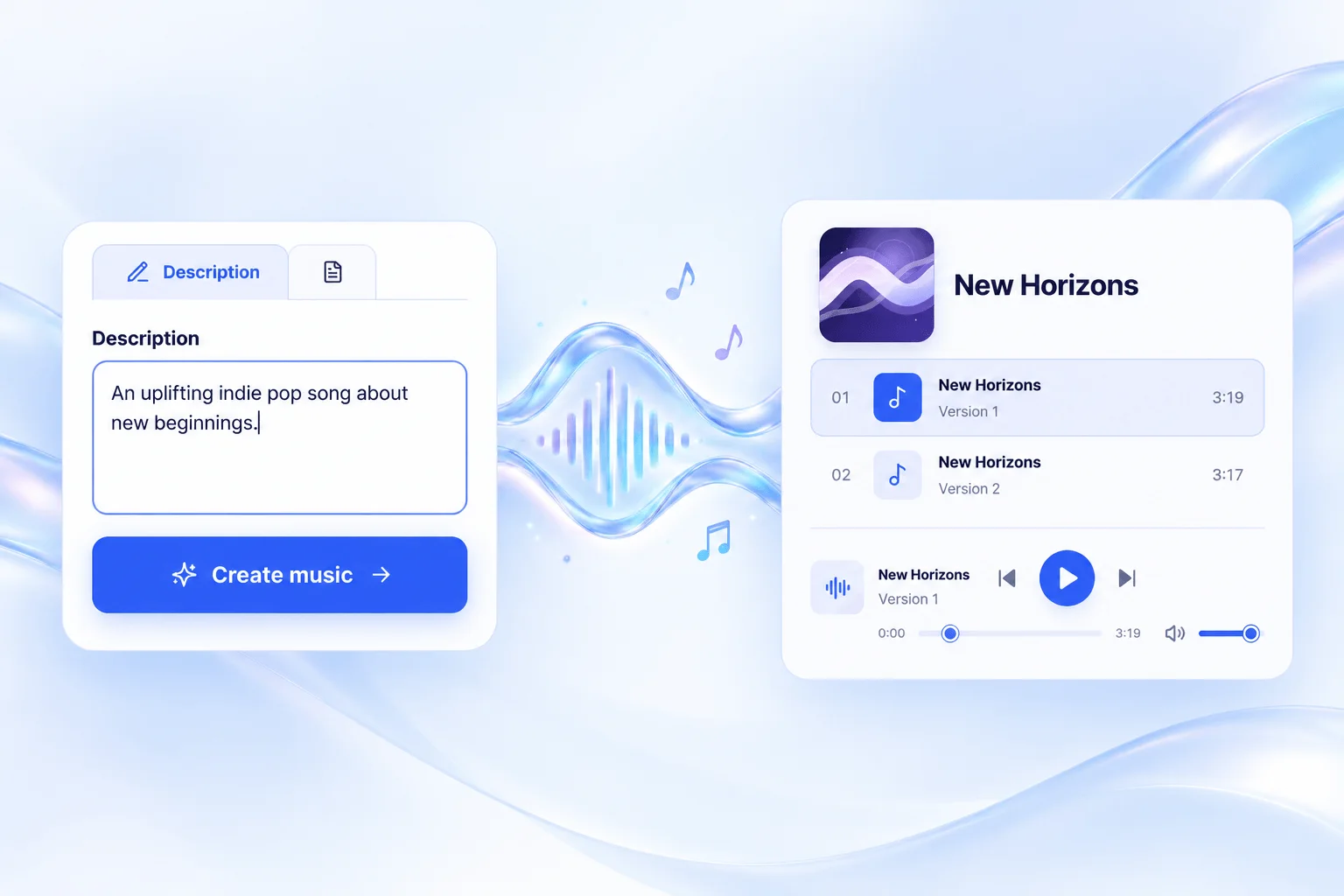
In the AI Music Generator's custom mode, bring your title and lyrics together. Guide the sound with genre and a male or female vocal preference, then listen to each delivered version.
Create from your lyrics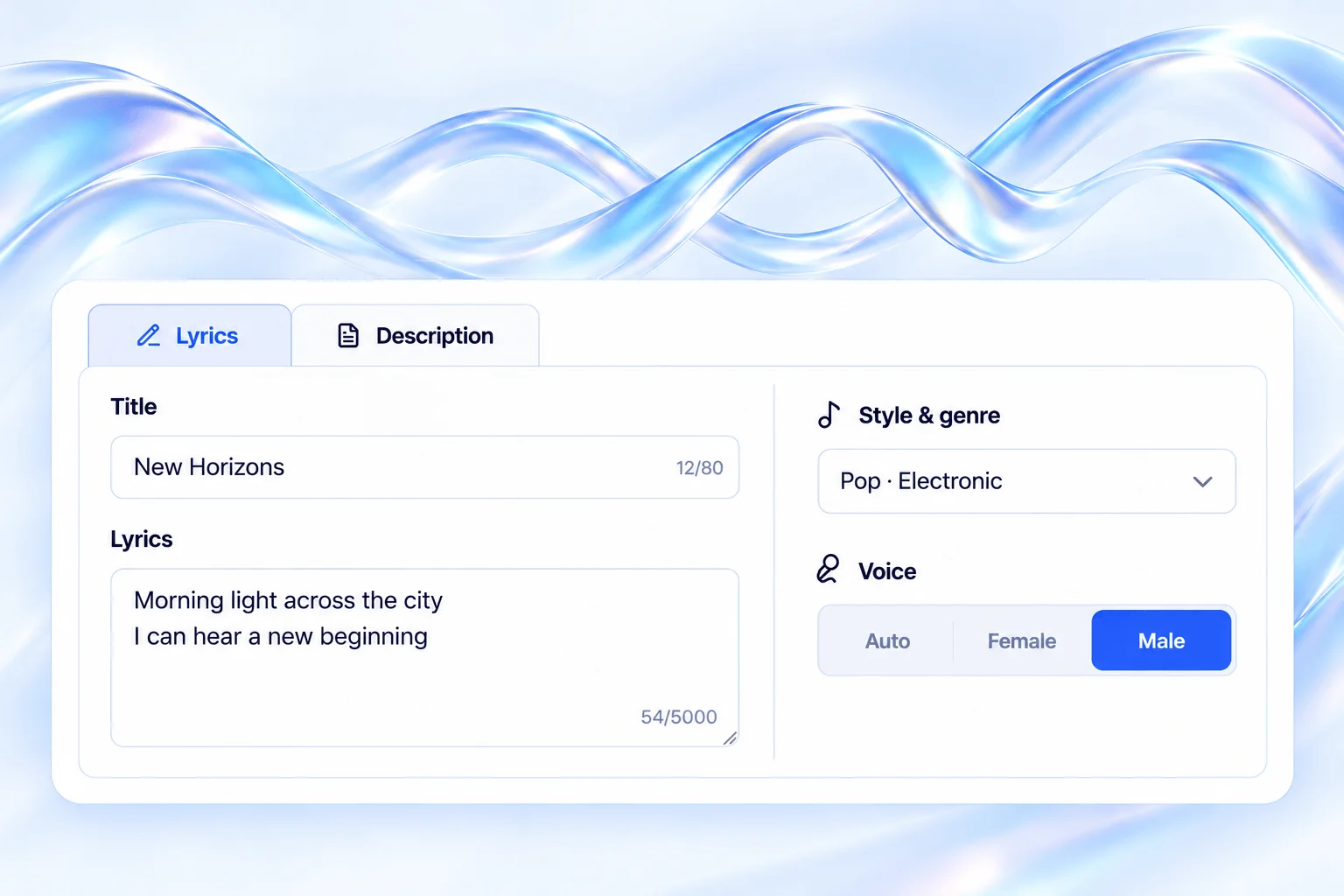
Tools
Write lyrics, create a song, or work with a recording you already have.
Listen and explore
Listen to eight AI-generated demos across ambient, electronic pop, jazz-hop, and cinematic styles.

Ambient · Felt piano · Instrumental

Electronic pop · Vocals · Upbeat

Jazz-hop · Saxophone · Instrumental

Cinematic · Piano and strings · Instrumental

Ambient · Soft pads · Instrumental

Synth pop · Vocals · Dance beat

Jazz rap · Electric piano · Instrumental
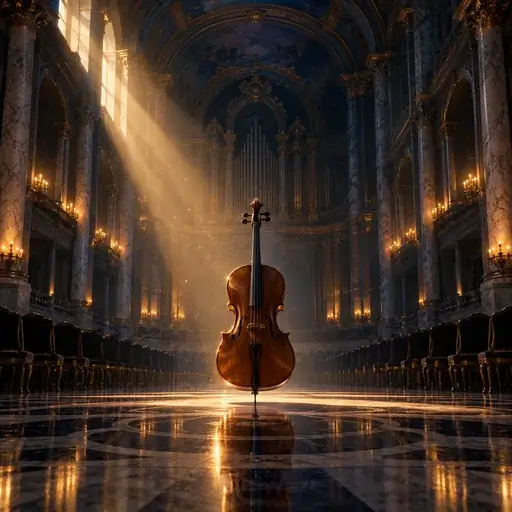
Orchestral · Slow build · Instrumental
Made for every creator
Use the AI Music Generator to explore original music ideas for videos, games, podcasts, lessons, and more—shaped around your project and audience.
YouTube, TikTok, and short videos
Find background music that supports the pace and mood of your video. Describe whether the scene feels light, tense, or building, then compare versions against your voiceover so the music leaves room for dialogue.
Indie games and interactive worlds
Build a soundtrack for gameplay, menus, or a world players can get lost in. Describe the pace and mood of exploration, combat, or completion screens, then listen for an arrangement that fits the player's moment.
Shows, interviews, and stories
Give your show a recognizable intro, outro, or transition. Include the topic, speaking pace, and opening mood in the prompt; choose a simple motif that leaves space for the host's voice.
Ads and brand campaigns
Explore music that sets the tone for an ad or brand story. Try brighter, restrained, and dramatic takes against the same script, then compare how each rhythm supports the message.
Arrangements, demos, and backing tracks
Use the AI Music Generator to try new arrangements, textures, and backing tracks for your next idea. Bring your own lyric draft into custom mode, explore genres and vocal preferences, and carry the most promising direction into production.
Short films and documentaries
Sketch music that follows a scene and strengthens its emotion. Describe the opening, turning point, and ending, then hear whether the resulting versions follow your edit's pace.
Courses and teaching videos
Set a welcoming tone for lessons, tutorials, and course videos. For spoken explanations, try an instrumental direction and check how it sits behind narration and chapter changes.
Workout videos and training sessions
Find a rhythm that matches the energy of a workout or training session. Describe the shift from warm-up to peak effort and cool-down, then compare beats against your edit's timing.
Create with the AI Music Generator: describe your idea or add lyrics, choose your genres, then listen to and compare the song versions.
Open the song studioFAQ
It is a tool that turns a written musical idea into an original audio track. You describe the mood, style and voice, then review the result.
Each action shows its credit price before submission. A daily free allowance is available only when it is configured for your account.
Rights depend on your input, the generation provider and your plan. Review the license terms before publishing or monetizing a track.
Choose from popular and niche genres, moods, vocal styles and rhythm ideas, or write your own combination. These tags guide the music model rather than guarantee an exact result; language and style quality vary by generation.
Commercial use depends on the provider license and the plan used for that track. Check the applicable terms before commercial release.
Create with the AI Music Generator: describe your idea or add lyrics, choose your genres, then listen to and compare the song versions.
Open the song studio